
A dashboard is not a decoration
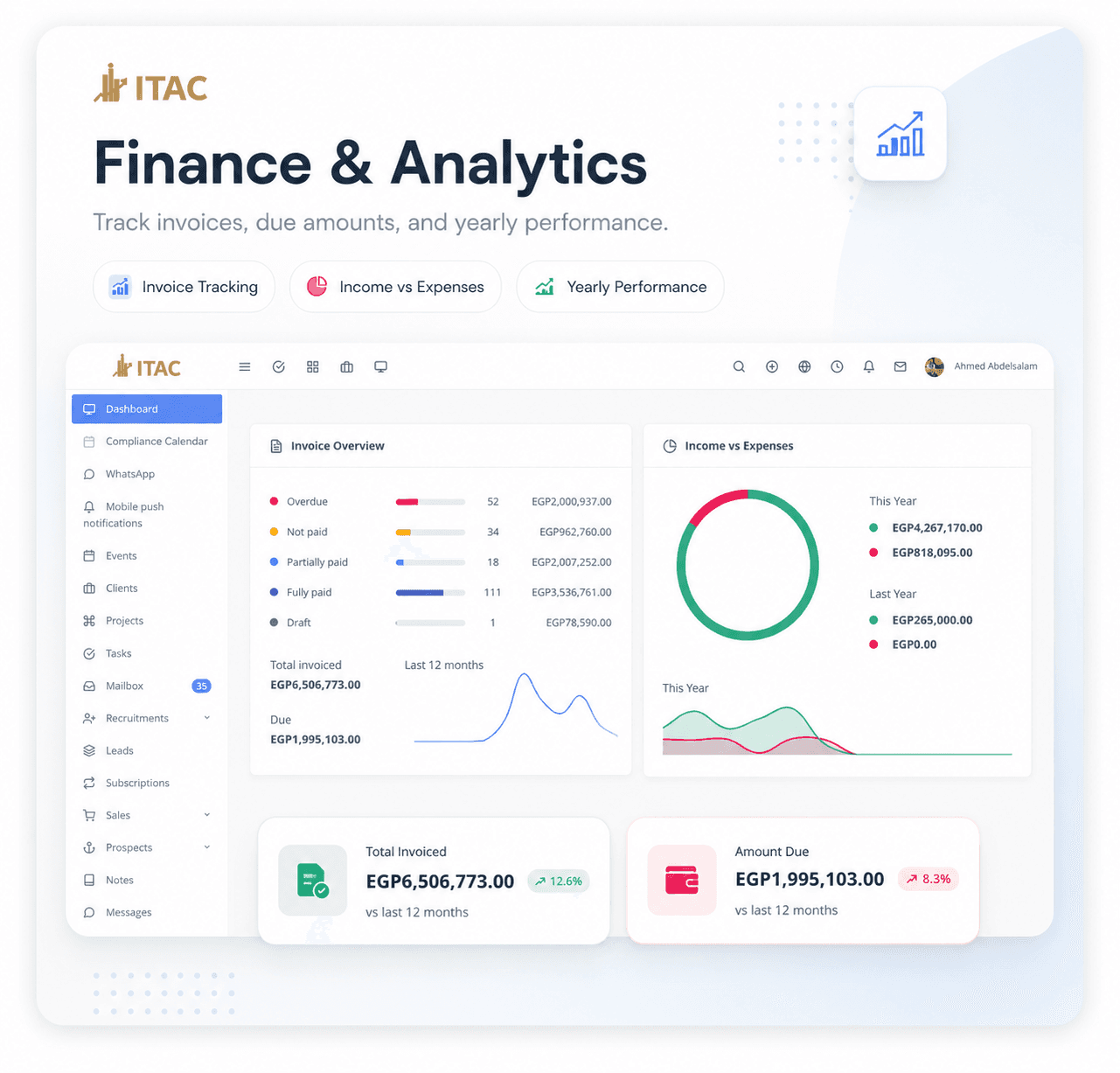
Good CRM dashboards help teams decide what to do next. They should not only display numbers. They should show work status, money status, and follow-up priorities in a way that is easy to scan.
When I build CRM and finance dashboards, I focus on the daily questions first:
- Which invoices are overdue?
- What is paid, unpaid, or partially paid?
- Which leads need follow-up?
- Which team member owns each task?
- What changed compared with last month?
Finance data needs clear states
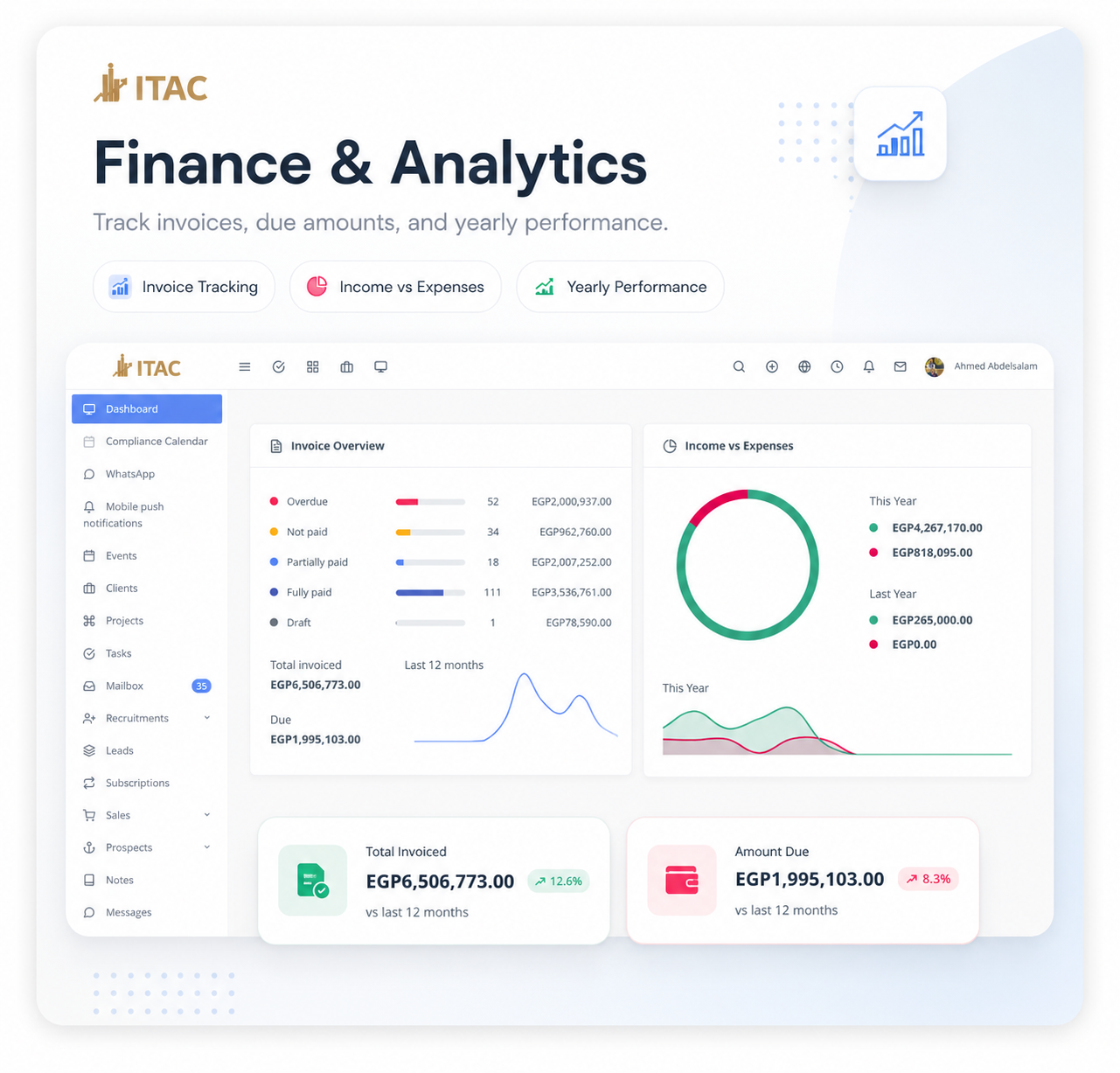
Invoice dashboards become confusing when payment states are vague. I prefer explicit states such as overdue, not paid, partially paid, fully paid, and draft.
That gives the business a clear operating picture. It also makes filters, reports, and notifications more reliable.
Teams need workflows, not just tables
CRM software is useful when it connects people to next actions. For that reason, I usually connect dashboards with:
- Lead stages
- Client records
- Tasks and reminders
- Messages and notifications
- Project and subscription records
- Activity history
This helps the team move from seeing data to acting on it.
What makes it maintainable
The dashboard should be powered by predictable backend queries and reusable API responses. That keeps the frontend simple and prevents every chart from becoming a custom one-off calculation.
The result is a dashboard that can grow with the business instead of becoming hard to change after the first version.