

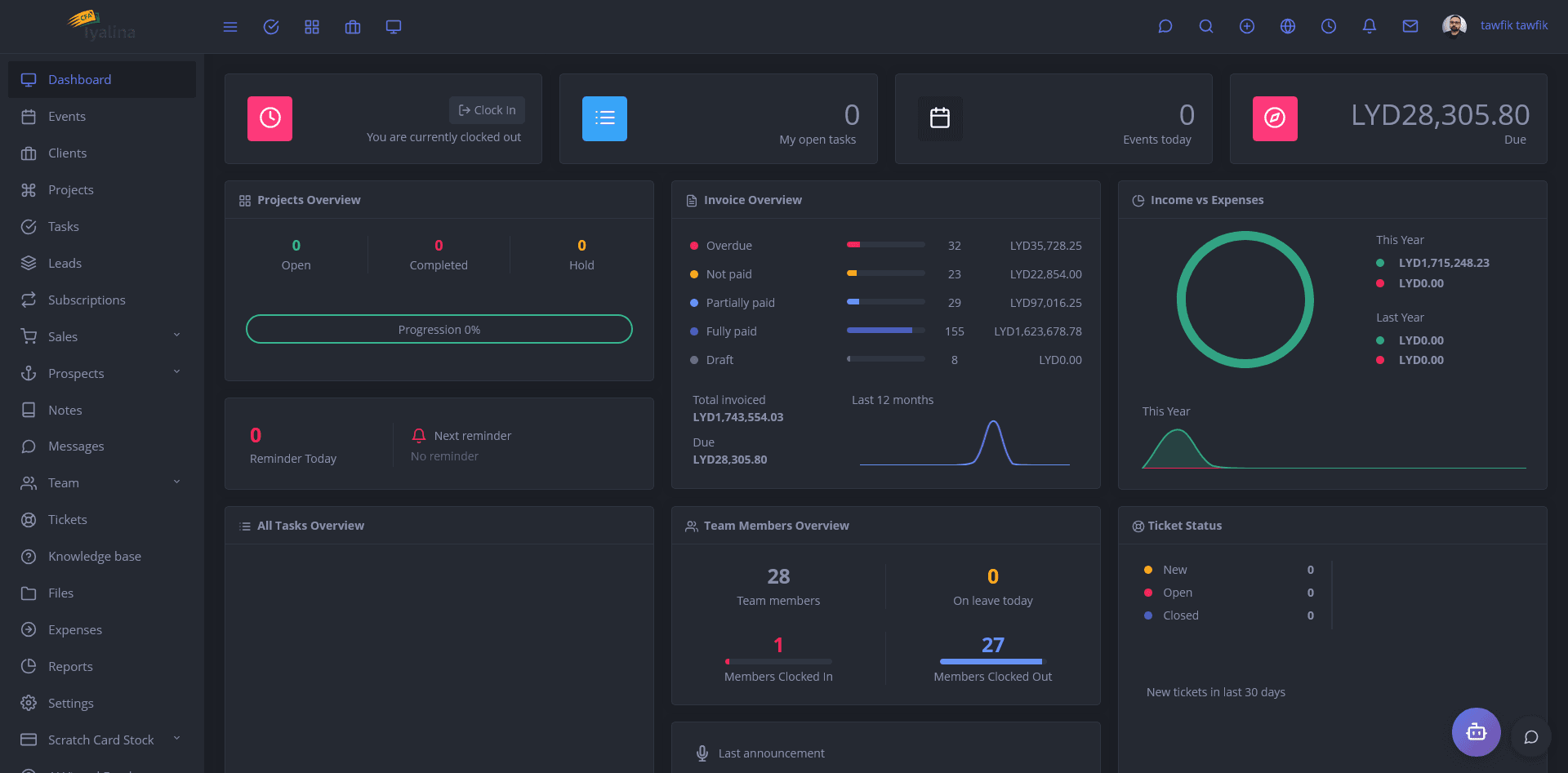
AI Automation for SME Operations: CRM, Reports, Support
Published: June 18, 2026
Author: Tawfik Elsayed
AI is no longer only a chatbot sitting beside your business. For many SMEs, the real value is quieter: fewer missed follow-ups, faster daily reports, cleaner support queues, and operations that do not depend on one overloaded employee remembering every task. That is why AI automation for SME operations should start with practical workflows, not abstract innovation slides.
The market is moving in that direction. Gartner has projected that task-specific AI agents will be embedded in a much larger share of enterprise applications by the end of 2026, while McKinsey's 2025 AI research shows that many organizations are experimenting with agents but still struggle to scale them into measurable operational value. (gartner.com)
For business owners, founders, operations managers, and finance or support teams, the question is not whether AI is trendy. The better question is: where can automation remove friction without creating risk?
Why SMEs should automate workflows before buying more tools
Many small and mid-sized companies already use a CRM, spreadsheets, accounting software, WhatsApp, email, POS software, inventory systems, and maybe an ERP. The problem is not always the lack of tools. The problem is that data gets trapped between them.
A sales lead enters the CRM but no one follows up. A stock movement appears in the POS but purchasing does not see it until the end of the week. A support ticket arrives with a repeated question, yet the team writes the same answer manually. A manager waits for someone to export a spreadsheet before making a decision.
This is where AI-assisted business automation makes sense. Instead of replacing the whole system, a focused Laravel development approach can connect existing workflows, add smart rules, and use AI only where it improves speed, routing, summarization, search, or decision support.
If you are exploring a custom platform, start with the services that connect directly to business outcomes: Laravel business systems and automation, ERP modules, CRM workflows, POS software, fintech operations, inventory systems, and Flutter apps for mobile teams.
AI automation for SME operations starts with a process map
Before writing code, map the workflow in plain language. A useful AI automation plan answers five questions:
- What triggers the workflow? A new lead, paid invoice, low-stock alert, support message, refund request, failed payment, or delivery update.
- What data is needed? Customer profile, order history, payment status, inventory level, assigned user, SLA, branch, or risk flag.
- What should AI do? Summarize, classify, suggest, search knowledge, draft a response, detect anomalies, or prioritize tasks.
- What must a human approve? Discounts, refunds, compliance actions, customer promises, payment decisions, or account changes.
- What must be logged? Every AI suggestion, user approval, edited response, system action, and API event.
This approach keeps the project grounded. AI becomes part of a workflow, not a disconnected demo.
CRM follow-up that sales teams will actually use
A practical CRM automation does not need to be complicated. It can start with lead capture, source tracking, reminders, follow-up suggestions, and clean pipeline stages.
For example, a Laravel CRM can use AI to summarize a customer conversation, suggest the next action, draft a follow-up email, and highlight leads that have gone cold. The sales team should still control the final message. The point is to reduce delay and improve consistency, not make the business sound robotic.
A strong CRM workflow may include:
- Lead source tracking from website forms, ads, referrals, and landing pages.
- Automatic assignment by region, product, team, or deal size.
- AI summaries of calls, emails, or support notes.
- Follow-up reminders based on deal stage and last activity.
- Suggested email or WhatsApp responses with human approval.
- Manager dashboards showing delayed leads and conversion blockers.
For founders and sales managers, this is often more valuable than adding another standalone SaaS subscription. A custom CRM can reflect the real sales process instead of forcing the team into a generic pipeline.
Reporting workflows: from spreadsheet chase to daily decisions
Reporting is one of the best places to use automation because managers usually ask the same questions every day:
- What were today's sales by branch?
- Which products are close to stockout?
- Which invoices are overdue?
- Which support issues are increasing?
- Which salespeople have delayed follow-ups?
- Which payment or fintech transactions need review?
A Laravel ERP or dashboard can collect data from POS software, inventory systems, CRM records, accounting tools, and payment gateways. AI can then help summarize exceptions, explain unusual changes, and generate plain-language daily briefs.
The goal is not to make AI the decision-maker. The goal is to make the right data visible earlier. Operations managers should not wait for a weekly spreadsheet to discover a stock issue, a branch performance drop, or a customer support pattern.
If you want to see how business systems can be structured around real workflows, visit the case study section for implementation-style thinking and delivery examples.
Support automation without losing customer trust
Customer support is moving quickly toward AI-assisted workflows. Salesforce's 2025 service research reported that AI was expected to handle a much larger share of customer service cases by 2027, but support automation still needs strong escalation and data controls. (salesforce.com)
For SMEs, the safest support automation usually starts with assistance, not full autonomy. A support workflow can classify tickets, detect urgency, suggest knowledge base answers, summarize previous interactions, and route complex cases to the right employee.
A practical support automation stack may include:
- Ticket classification by topic, branch, product, priority, and customer type.
- AI answer drafts based only on approved knowledge base content.
- Escalation rules for refunds, legal issues, angry customers, payment failures, or security concerns.
- Sentiment and urgency detection.
- Customer history summaries for agents.
- Audit logs showing what AI suggested and what the employee sent.
This is especially useful when the same team handles sales, support, billing, and operations. AI can reduce repetitive typing while still keeping a human in control of sensitive conversations.
Security and governance should be in the first sprint
AI automation touches business data, customer records, financial workflows, and sometimes payment activity. Security cannot be added at the end.
NIST's AI Risk Management Framework and its Generative AI Profile give teams a structured way to think about risks such as reliability, privacy, misuse, and governance. OWASP also maintains guidance for common LLM application risks, including prompt injection, insecure output handling, sensitive data exposure, and excessive agency. (nist.gov)
For POS, fintech, and payment-related systems, security planning should also respect payment data requirements. PCI DSS exists to support consistent protection of payment card account data, and modern POS software should be designed so sensitive payment data is handled only where appropriate. (pcisecuritystandards.org)
In practical delivery, that means:
- Role-based access control for users and AI actions.
- Clear approval steps before AI can trigger sensitive actions.
- API rate limits and authentication.
- Logging for prompts, outputs, edits, and workflow actions.
- Data minimization so AI receives only what it needs.
- Human review for refunds, credit, compliance, and account changes.
- Secure-by-design development practices from the first sprint.
CISA and the FBI have also encouraged software manufacturers to reduce customer risk by prioritizing security throughout product development, which fits the way serious business automation should be built. (cisa.gov)
Recommended technical stack for practical SME automation
For many SME systems, Laravel is a strong foundation because it supports secure backend development, queues, scheduled jobs, APIs, permissions, notifications, and integrations. A typical architecture may include:
- Laravel backend: business rules, users, permissions, workflows, APIs, queues, and admin panels.
- CRM or ERP database: customers, leads, products, stock, invoices, branches, support tickets, and activity logs.
- AI layer: summarization, classification, search, response drafting, anomaly detection, and reporting assistance.
- Knowledge base: approved policies, FAQs, product details, service terms, and internal SOPs.
- Flutter mobile app: field sales, warehouse staff, delivery teams, branch managers, or customer self-service.
- Integrations: payment gateways, email, WhatsApp, accounting tools, POS terminals, inventory scanners, and third-party APIs.
- SEO and GPT engine optimization layer: structured service pages, schema-ready content, clear FAQs, documentation, and machine-readable business information.
The important part is not the stack alone. It is designing the stack around the actual workflow: who does what, what needs approval, what gets logged, and where the business wants visibility.
For more service ideas and implementation notes, you can explore the blog or start a project discussion through contact.
A low-risk implementation roadmap
A realistic AI automation project for an SME can start small:
Phase 1: Workflow audit
Identify the repetitive tasks that waste time or cause missed revenue. Good candidates include delayed CRM follow-ups, daily reporting, repeated support questions, stock alerts, invoice reminders, and payment exception reviews.
Phase 2: Data cleanup
AI performs better when customer records, product names, branch data, and workflow statuses are consistent. This phase often reveals operational problems before any model is connected.
Phase 3: Prototype one workflow
Choose one high-value workflow, such as CRM follow-up suggestions or support ticket classification. Build it with human review, logging, and measurable acceptance criteria.
Phase 4: Integrate with the business system
Connect the automation to the Laravel CRM, ERP, POS, inventory system, or Flutter app. Make sure permissions, notifications, dashboards, and reports are included.
Phase 5: Monitor and improve
Review incorrect suggestions, slow steps, user edits, customer feedback, and support escalations. AI automation should be maintained like any serious business system.
FAQ
What is the best first AI automation project for an SME?
Start with a workflow that is repetitive, measurable, and already documented. CRM follow-up reminders, support ticket classification, daily sales reports, and inventory alerts are usually better starting points than fully autonomous agents.
Can AI automation integrate with my existing CRM, POS, or ERP?
Yes, if the existing system has a database, API, export process, or integration path. A Laravel-based middleware or custom module can often connect CRM, POS software, inventory systems, payment gateways, and reporting dashboards without replacing everything at once.
Is AI safe for customer support and fintech workflows?
It can be safe when designed with limits. Sensitive workflows should use role-based access, audit logs, human approval, secure APIs, and restricted data access. AI should assist with summaries, classification, drafts, and alerts before it is trusted with higher-risk actions.
Conclusion: build useful automation, not AI theater
The best AI automation for SME operations is practical, secure, and connected to the way the company already works. CRM follow-up, reporting, support, POS, inventory, ERP, fintech workflows, Flutter apps, SEO, and GPT engine optimization all become more valuable when they are designed as one business system.
Tawfik Elsayed builds Laravel business systems and automation platforms for teams that need software to support daily operations, not just look impressive in a demo. If your business has repeated manual work, disconnected tools, or reports that arrive too late, start with a focused workflow and build from there.
Further reading
- Gartner on task-specific AI agents in enterprise applications. (gartner.com)
- McKinsey State of AI 2025 research on agents and scaling challenges. (mckinsey.com)
- NIST AI Risk Management Framework and Generative AI Profile. (nist.gov)
- OWASP Top 10 for Large Language Model Applications. (owasp.org)
- CISA and FBI Secure by Design guidance. (cisa.gov)